
AI Character Images and Scene Prompts
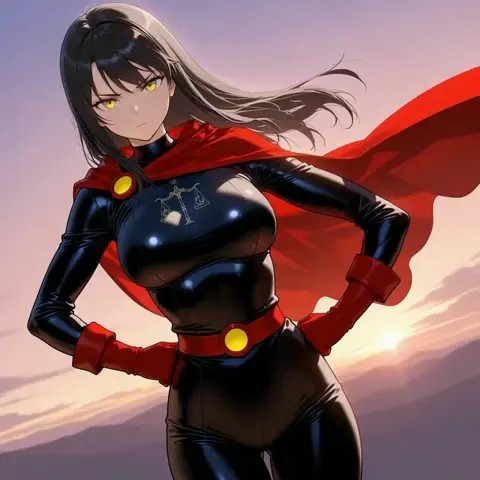
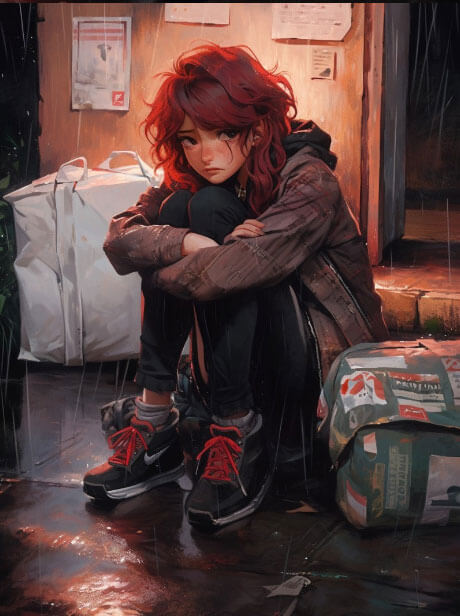
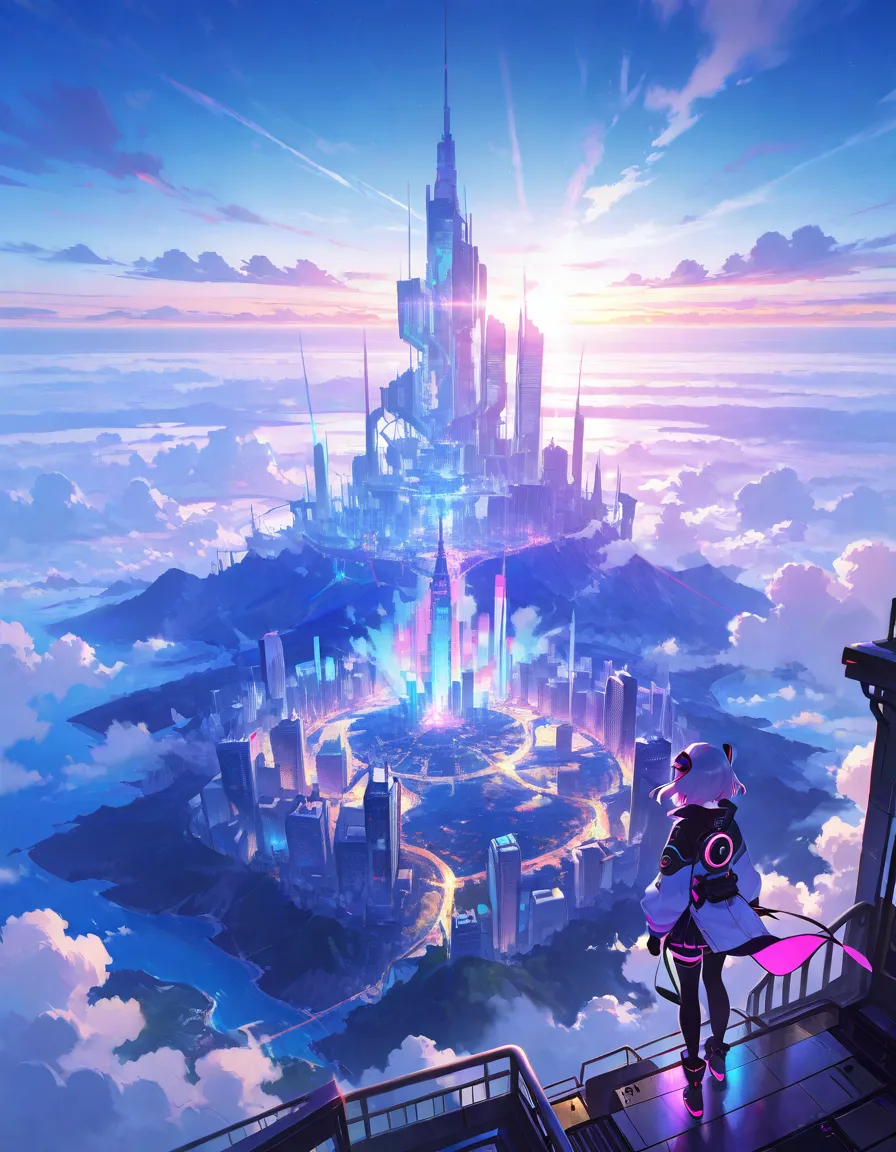
Start with how the image will appear. A small character card needs a clear face or gesture. A chat background needs enough of the room to read behind a conversation.
Portrait or Scene Image
Use a tall frame for one character and a wide frame when the place matters. If you want to keep the same figure and change the setting, the signed-in image feature offers Figure Remix for eligible figures. A fresh text prompt starts with the visual details you describe.
A Portrait Prompt for a Station Keeper
Adult station keeper in a navy coat under the platform clock, one hand holding an oil lantern, rain on the dark tracks. Waist-up illustration with a narrow frame.
Change the light or pose one at a time if you want to see which detail affects the portrait.
Can You Upload a Photo to JuicyChat?
Yes, for a chat that supports custom Scene Cards. Open Chat Settings, turn on Scene Card and choose your own image instead of the creator's background. The change applies to the chat background, not the character card. Use a photo or illustration you have permission to share.